
Features
Walk-ins, reservations and everything in between.
Everything Carbonara does, in one place. Most of it comes with every plan, including Free.
No contract required
Walk-in waitlist
Fewer walk-aways.
Guests join in seconds, wait wherever they like, and come back when their table’s ready.

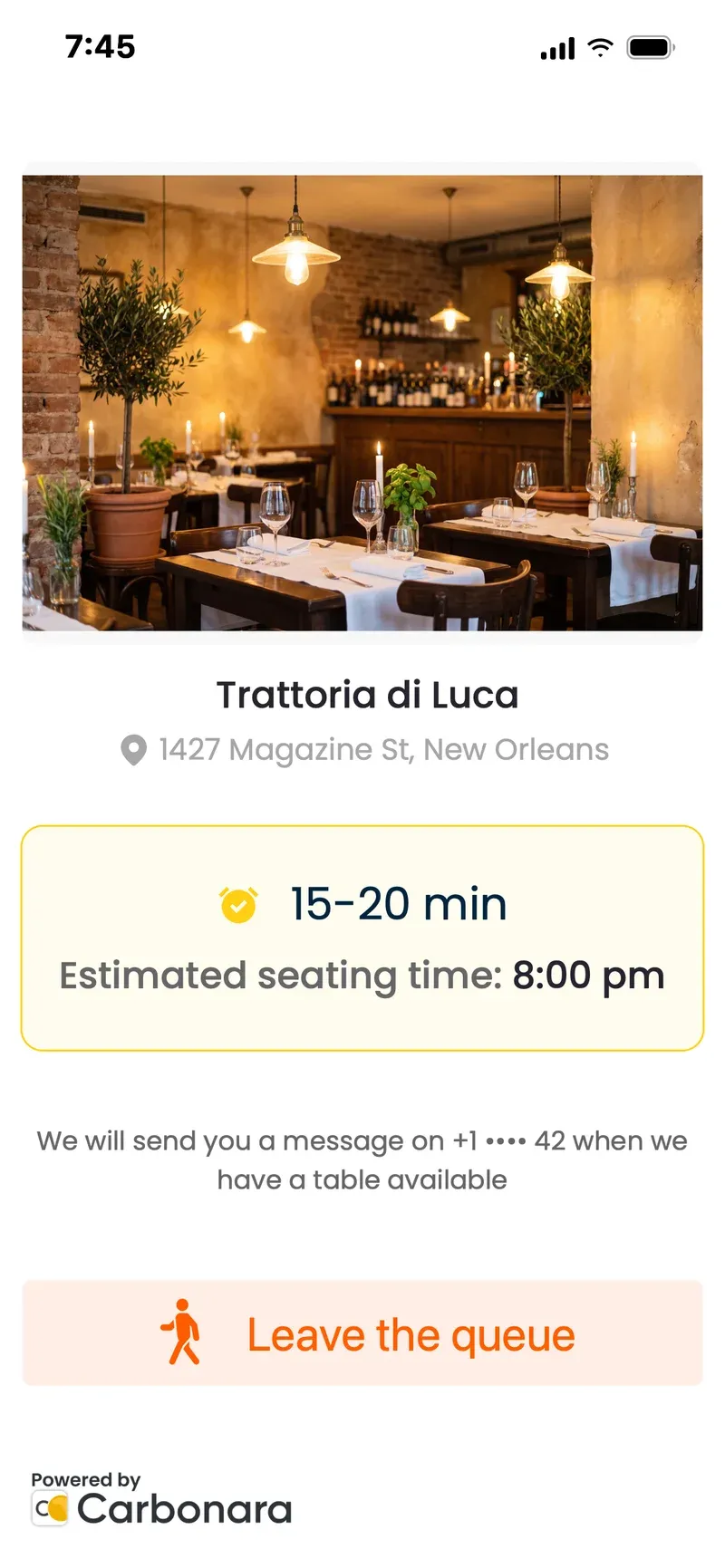
TEXT MESSAGE · NOW
You’re on the waitlist at Trattoria da Luca: 3rd in line, about 15 minutes.

Join four ways
At the host stand, by QR code on your door or window, from your website, or on Google.

Place in line
Guests see where they are and how long is left.

Suggested wait times
Carbonara learns your service and suggests wait times. The busier you are, the sharper they get.

Timers on every group
How long each group has waited, what you told them, and when you last messaged them.

Speed keys
Type numbers faster: one-tap area codes, and country codes for visitors from abroad.

Call-ahead
Add guests who phone ahead to the same list.

Seating areas
Bar, terrace or dining room, picked when they join.

Guest notes
Wheelchairs, high chairs, birthdays, kept with the group.

Promo banner
Show a special, an event or your menu while guests wait.

Rotating QR code
It changes every hour, so guests can only join when they’re at your door, not from home. Best shown on a screen.
Reservations
All the reservations. None of the fees.
Take reservations by phone, online and on Google, all in one book, with no booking fees.
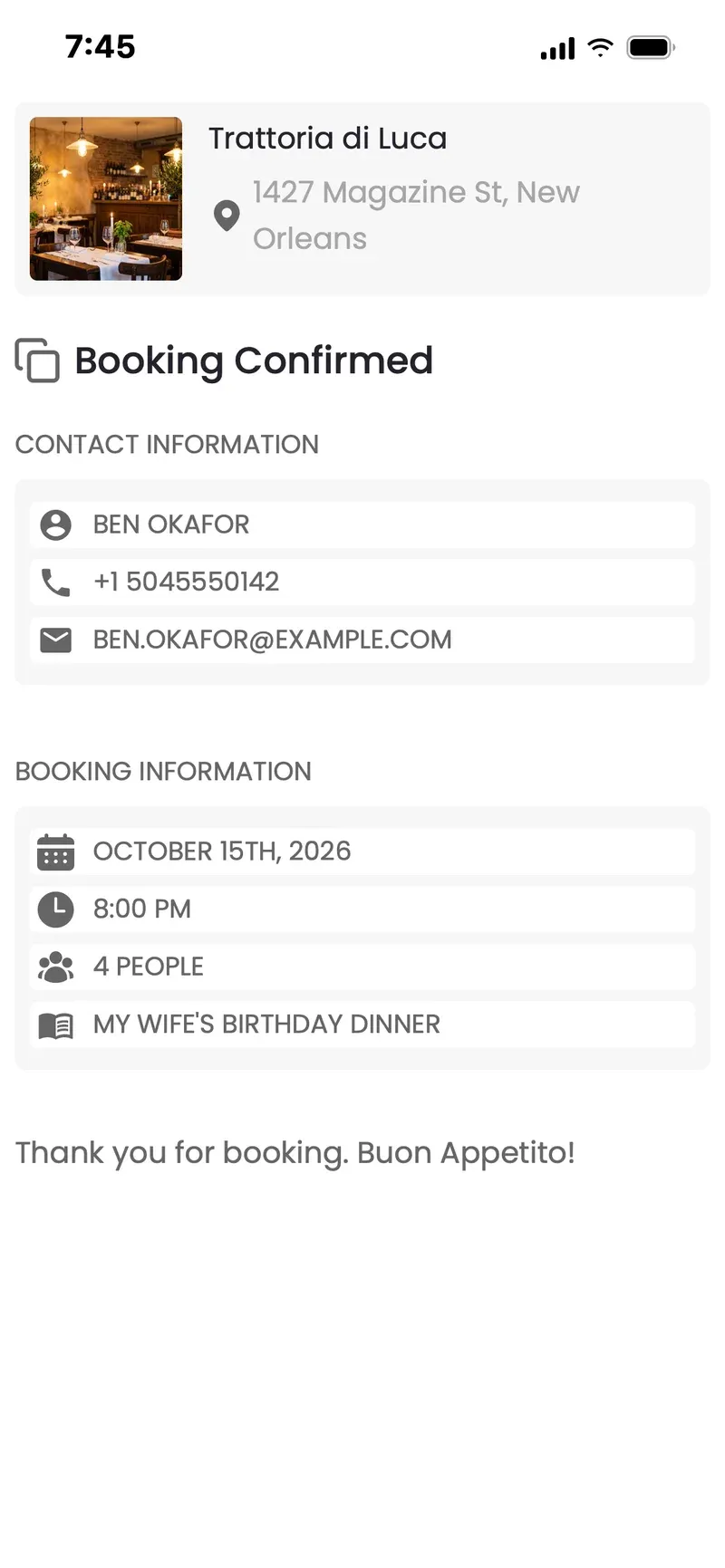
TEXT MESSAGE · NOW
You're booked: table for 4, Thursday at 8pm. We'll remind you before you arrive.

Online reservations
A reservation page and button for your website. Guests book in about 30 seconds.

Reserve with Google
Reservations straight from Google Search and Maps.
Phone reservations
Your team adds a reservation in seconds.
Seating areas with photos
Bar, terrace or dining room, picked by the guest.

Reminders
Guests confirm or change with one tap.

Deposits
Ask for a deposit on the days, times, group sizes or seating areas you choose.

Prepaid tickets for reservations
Guests buy a ticket when they reserve a table, on the dates you choose.
Reservation rules
Days, hours, slots, group sizes, how far ahead and how close to now, blocked-out days.

Automatic table merging
Bigger groups booking online get tables joined for them.

Where reservations come from
Track which online channels bring reservations (UTM).

Email templates
Polished confirmation and reminder emails in your style.

Reviews on Google
After their visit, Carbonara invites guests with reservations to leave you a review on Google.
Guest messages
Your table’s ready. They’ll know.
Carbonara texts every guest, from your waitlist and your reservations, and they can text back.
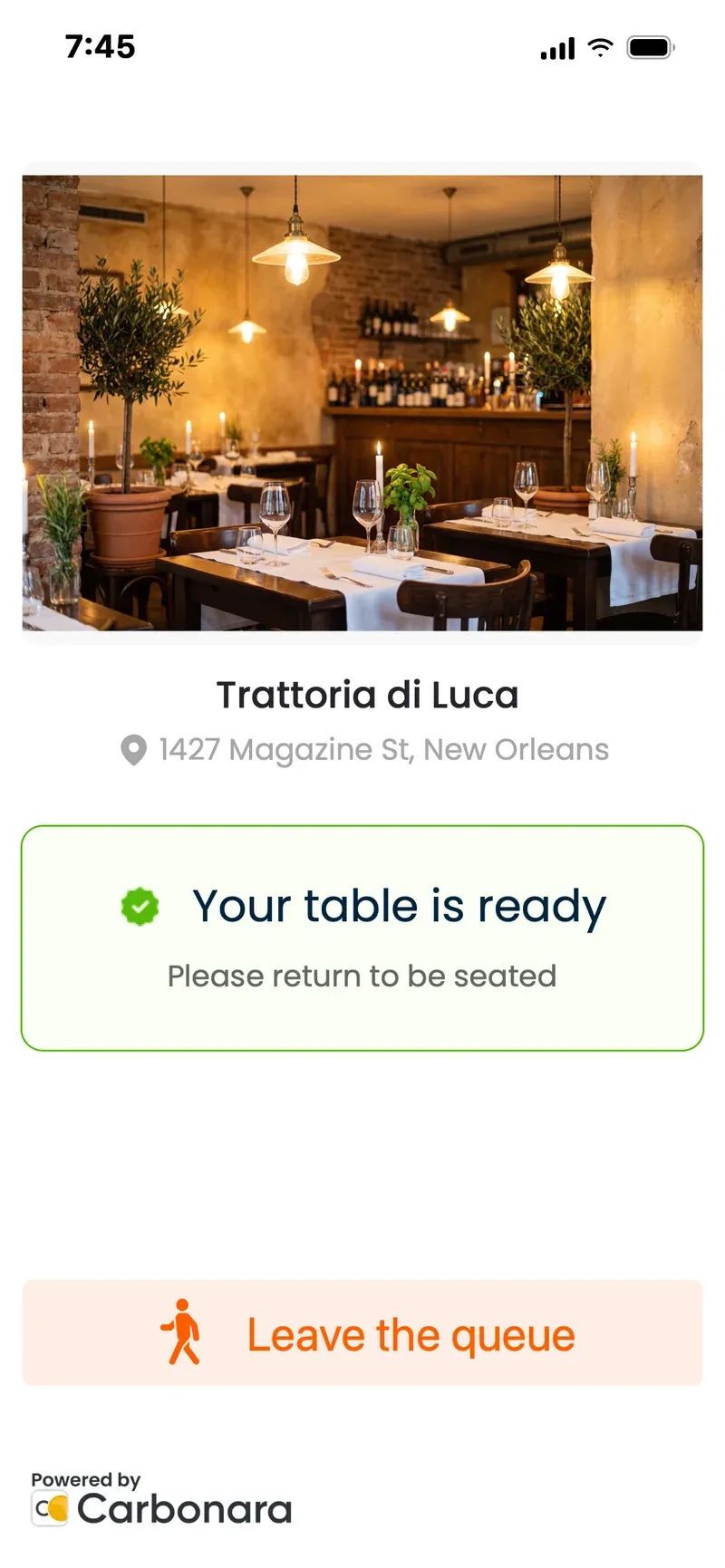
 Host screen: Zoe · On my way
On my way, 2 minutes!
Two-way
Guests reply; you see it on the list and can write back.
The right channel
Text, WhatsApp or both, depending on your venue’s country.
Email, free
Confirmations and reminders by email, free and unlimited.
Too loud?
Carbonara can call guests instead.
Your words
Adjust the wording of your text messages.
Pay as you send
Message credits, valid for two years.
Floor plan
See the room. Or see the day.
A live floor plan made from a photo, and a table chart for the whole service.
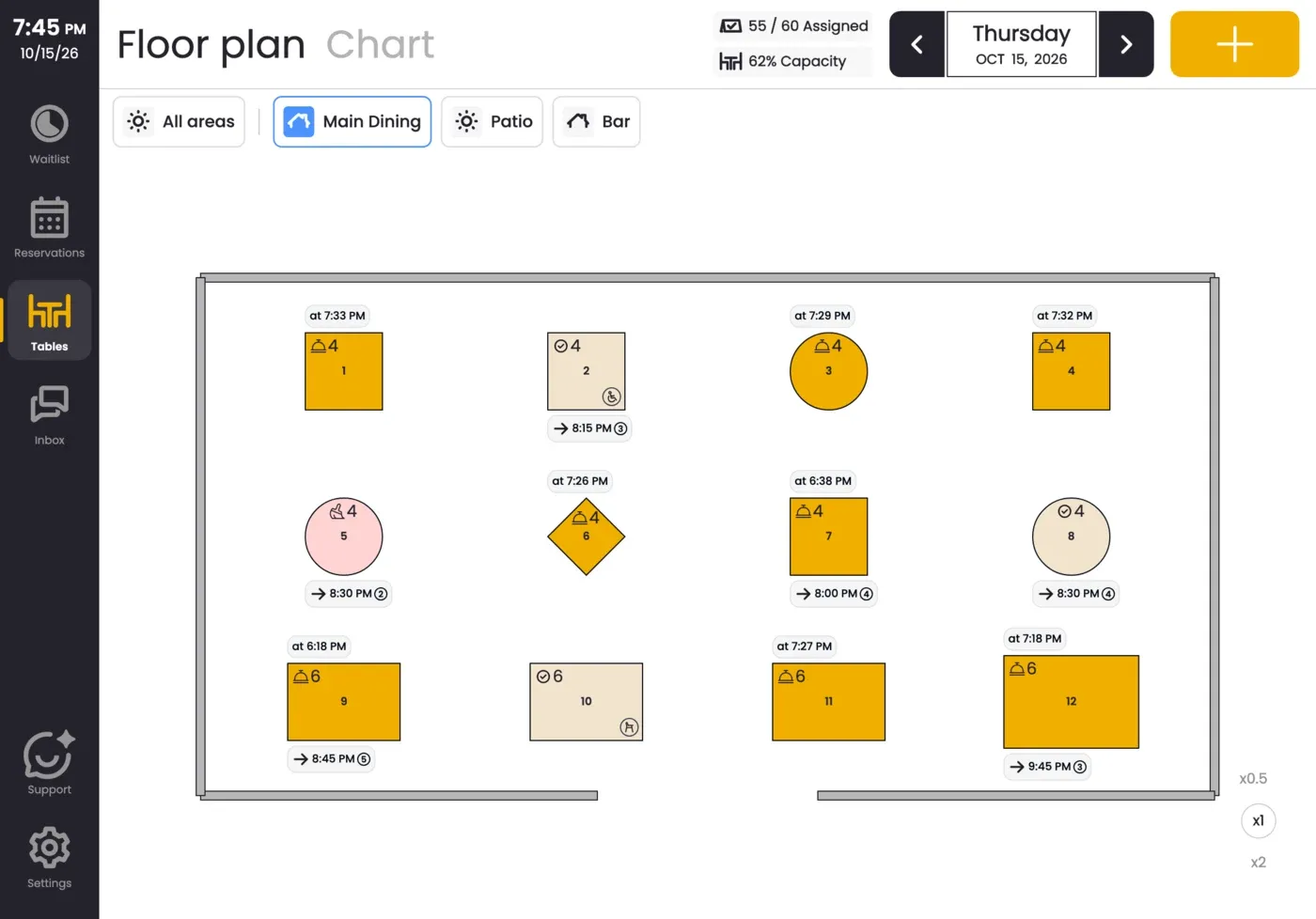
Live floor plan
Who’s at which table right now, made from a photo of your room.
Table chart
Every table across the service, so gaps are obvious.

Any device, in sync
Phone, tablet and computer, all showing the same list. Everyone on your team gets their own login.

Daily insights
Seated, waiting, walked away and no-shows, by service.
Marketing list
Guests can sign up for your news when they join the waitlist or book.
Setup
Up and running before your coffee gets cold.
Ready in less than five minutes, and simple enough for anyone on the door.
Under 5:00from sign-up to open doors
- 1Create your account
- 2Your hours come from Google
- 3Snap a photo, get your floor plan
- 4Open the doors

Opening hours from Google
Your hours come straight from your Google listing.

Floor plan from a photo
Snap your room; get your floor plan.
We bring your data across
Switching? Send us your export and we import it, free.
Help when you need it
Our assistant in the app, WhatsApp or email.
Languages
Your team works in their own language.
The app comes in 9 languages: English (US and UK), Spanish (Spain and Latin America), Italian, Portuguese, French, German, Dutch, Catalan and Norwegian. Booking and waitlist pages for guests come in 10 (the same, plus Greek). Messages go out in your venue’s language or in English.
Plans
Most of it comes with every plan.
Everything on this page is on every plan, including Free, except these.
- Where reservations come from (UTM)
- Light and up
- Promo banner
- Advanced and up
- Email templates
- Advanced and up
- Deposits
- VIP and PX
- Rotating QR code
- VIP and PX
- Reviews on Google
- VIP and PX
- Reserve with Google
- PX, or an add-on on any plan
- White label
- Add-on: talk to us

No contract required.
No booking fees and nothing to sign. Pay monthly and change your plan whenever you like.
Feature questions
No. Use one, or both. They share one list.
Yes: phone, tablet or computer, all in sync.
No. Guests join and book in their phone’s browser, and messages arrive by text.
Yes. Send us your export and we’ll import it for free.
No. Pay monthly and stop any time.
Bring on the rush.
Get started in less than five minutes, or talk to us about your busiest shift.
Your team works in their own language.